fox | A (simple!) package manager for private repos
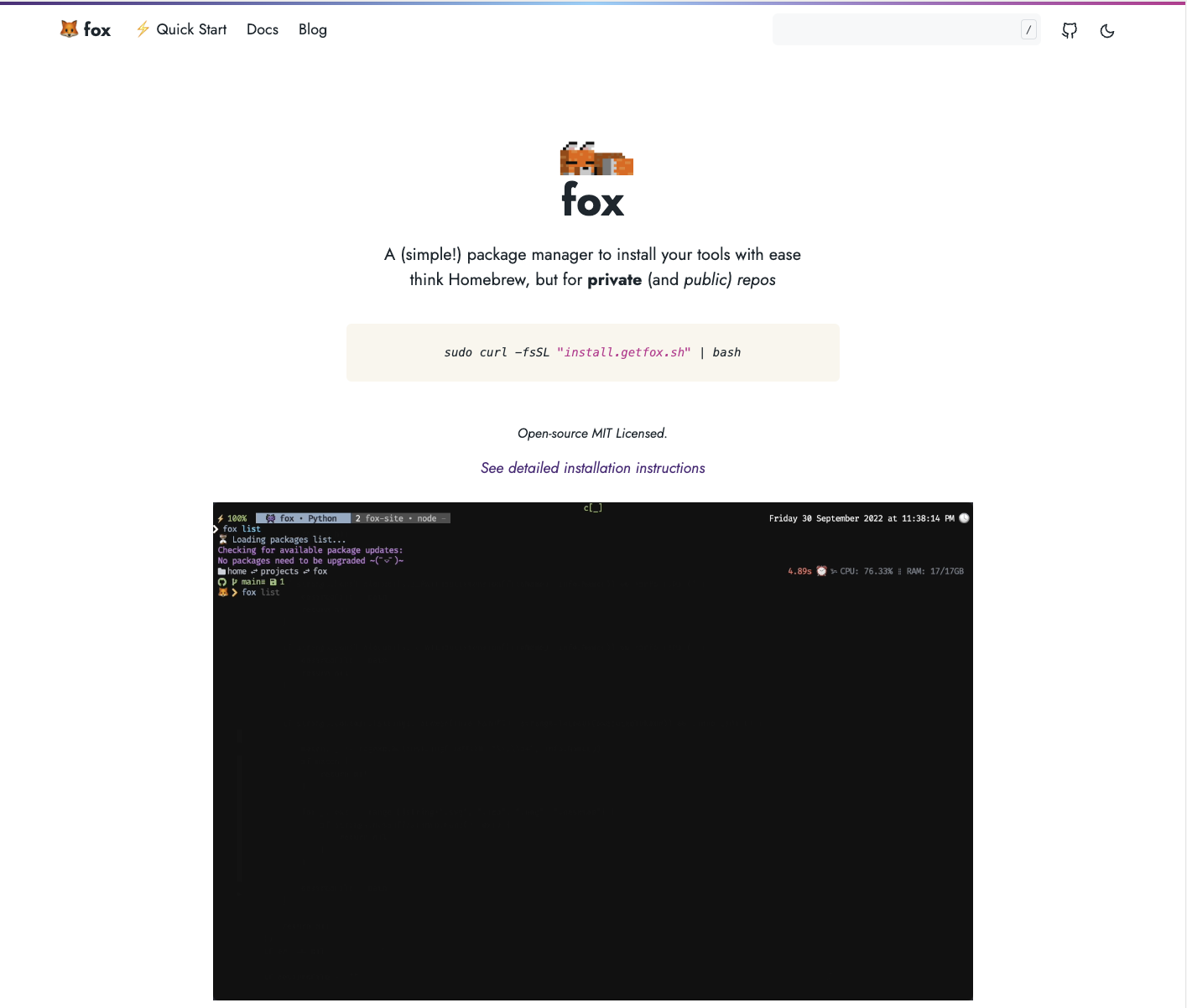
This is a blog post about a side project.
There's no fancy framework. No startup behind it. Just a problem that annoyed me enough to sit down and solve it.
You're reading this, so maybe you've felt the same frustration.
I had a CLI tool. It was written in Go. It worked well. I wanted to share it with my team. It was in a private GitHub repo.
That's where the trouble started.
I tried Homebrew. If you've ever tried to distribute a private binary through Homebrew, you know. The taps, the formulas, the authentication dance. It felt like I was fighting the tool more than using it. For a private repo, it was genuinely easier to build an entire package manager from scratch than to wrestle Homebrew into cooperating.
So that's what I did.
I built fox.
What fox does
Fox is a package manager for macOS and Linux that installs packages from GitHub releases. Public or private. If you have read access to a repo, you can install it. That's the whole premise.
fox install <package-name>
That's it. No formulas. No manifests to publish. No waiting for a PR to be merged into some central repository. Your GitHub releases are your packages.
Want to make someone else's public tool installable, even if they've never heard of fox? One command:
fox add package --path "metadelta/mdlt" --type "binary" --executableName "mdlt"
Then fox update and fox install mdlt. Done. The author doesn't need to know fox exists.
The engineering
Fox is written in Go. I chose Go because it compiles to a single static binary, which is exactly what you want for a tool that installs other tools. No runtime dependencies. No "please install Node 18 first." Just a binary.
Here's what's under the hood:
The CLI is built on Cobra, which gives you the command structure, help text, autocompletion, and aliases basically for free. The uninstall command is aliased to yeet, remove, and rm, because life is short.
Package resolution uses fuzzy matching (lithammer/fuzzysearch) to figure out which release asset matches your OS and architecture. This is harder than it sounds. Some projects name their macOS builds darwin_amd64. Others say macos_x86_64. Some just say osx. I maintain a lookup table of all the naming conventions I've encountered, and the fuzzy matcher does the rest. It's not elegant, but it works on every repo I've thrown at it.
The interactive package browser is a full TUI built with tview. You can scroll through available packages, search with fuzzy matching, see details, and open the repo URL. All in your terminal.
Asset extraction handles both tar.gz and zip archives. After downloading, fox walks the extracted directory tree looking for the executable, matching by name, by archive name without extension, or by partial match. It filters out man pages, icons, and desktop files. Then it moves the binary to /usr/local/Fox/bin/, makes it executable, and records the installation in a local YAML file.
Repository fetching runs concurrently with goroutines and a WaitGroup, with a delay calculated against GitHub's rate limit (5,000 requests/hour) to avoid getting throttled. The cache refreshes every 30 minutes, and version checks happen every 6 hours.
The doctor command checks your environment: config settings, whether gh is installed and authenticated, OS and architecture, and file permissions on the fox directory. It reports issues with emoji-coded severity levels and, if everything passes, plays a little sunglasses animation in your terminal. Because why not.
Cross-compilation is handled by GoReleaser, targeting both Linux and macOS on multiple architectures. The install script detects your OS and chip (Intel, ARM, Apple Silicon) and pulls the right binary from the latest GitHub release. It even detects your shell (bash, zsh, fish) and tells you exactly what to add to your config to get fox on your PATH.
Everything installs to one directory: /usr/local/Fox/bin/. Fox doesn't scatter files across your system. Uninstalling a package is just deleting one file and removing one YAML entry. Clean.
What I learned
Building a package manager teaches you things that building a web app doesn't.
You learn that naming conventions across the open source ecosystem are chaos. You learn that file permissions matter more than you think. You learn that a good doctor command saves you hours of debugging user issues. You learn that goroutines are great until you hit a rate limit.
I also learned that the gap between "this works on my machine" and "this works on anyone's machine" is where most of the engineering lives. The install script alone handles six different OS/architecture combinations, three different shells, and the case where someone doesn't have sudo, perl, or finger installed.
Why I'm sharing this
I'm not trying to replace Homebrew. Fox solves a specific problem: distributing tools from GitHub repos, especially private ones, without ceremony.
I built it because I needed it. I polished it because I care about the craft. The kaomoji in the error messages, the animated spinners, the yeet alias for uninstall. These aren't features. They're personality. Software doesn't have to be sterile to be serious.
If you've ever had a side project that started as "this should take a weekend" and turned into something you're genuinely proud of, you know the feeling.
Fox is that project for me.
You can find it here.